



The Access submenu contains all users who have access to the company’s administration panel and allows you to add new ones.
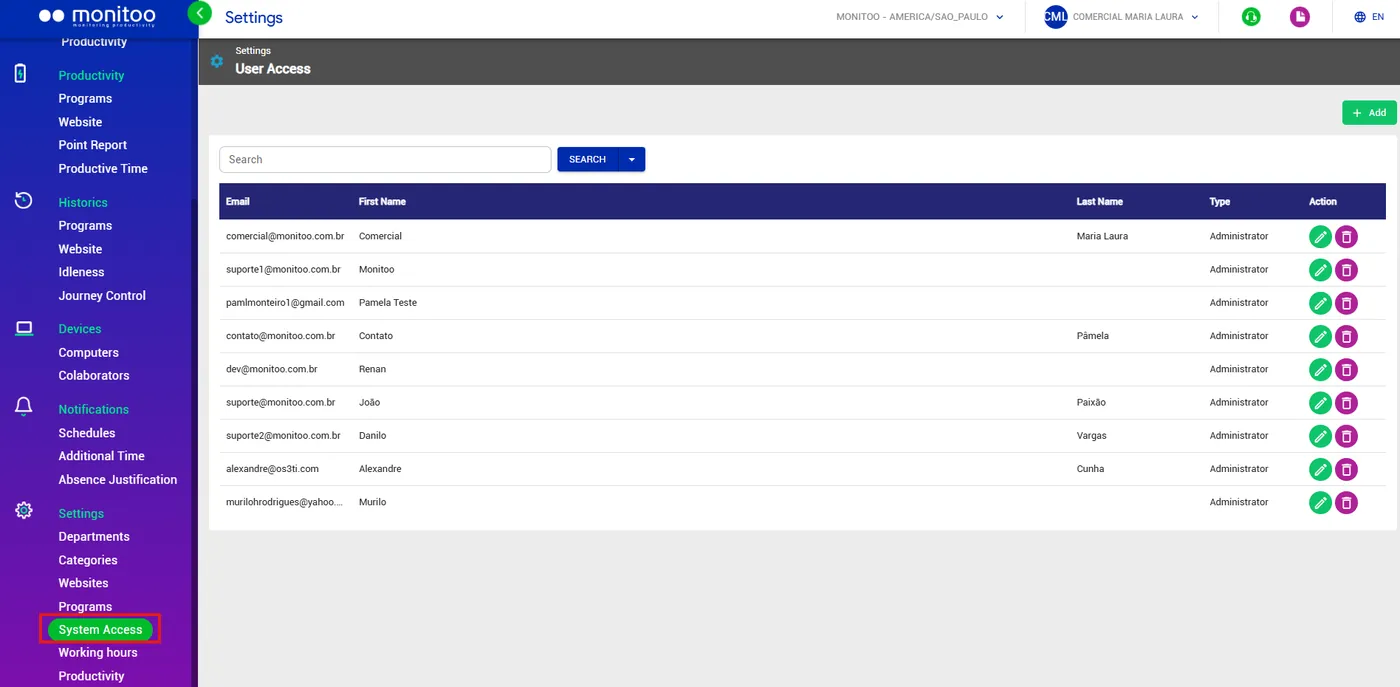
Adding new accesses
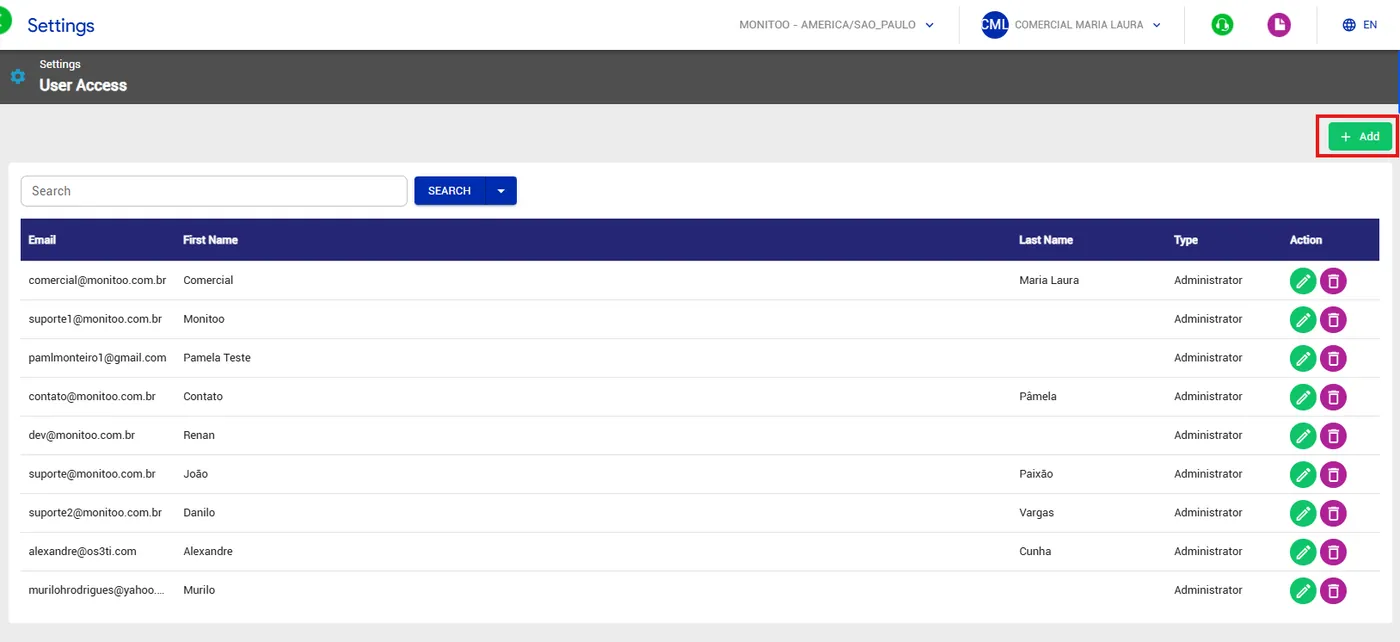
To add a new user linked to the company, click the Add button.
In the addition window, you must define the new user's First Name, Last Name, Email, and Type.
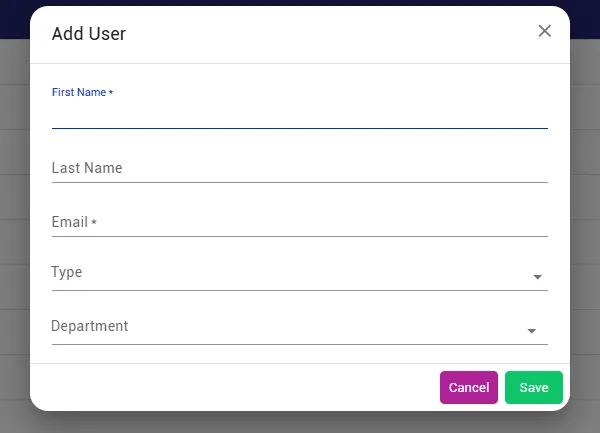
Pay close attention to the Type field. There are three different access levels in the platform:
Administrator: can view information from all departments and make any configuration changes, including adding new users.
Director: can only view information from all departments.
Viewer: can only view information in specific departments. When selecting this access level, you must define which departments the user will be allowed to view in the Department field.
After defining all the information, click Save.
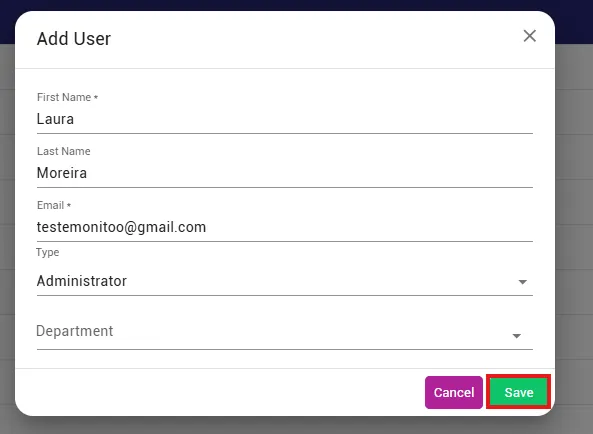
After adding the new user, they will receive a temporary access password in their email.
See how:
Great! Thanks for your feedback.
Tell our team what was missing: contact support on WhatsApp.
