



User permissions on the computer:
Monitoo requires administrative privileges to function properly on Windows.
When the user logged into the machine does not have these permissions, the agent may face difficulties accessing certain system resources, such as the Monitoo.Service, log collection, process capture, and application usage tracking.
Therefore, when downloading it, it is essential to provide administrator privileges.
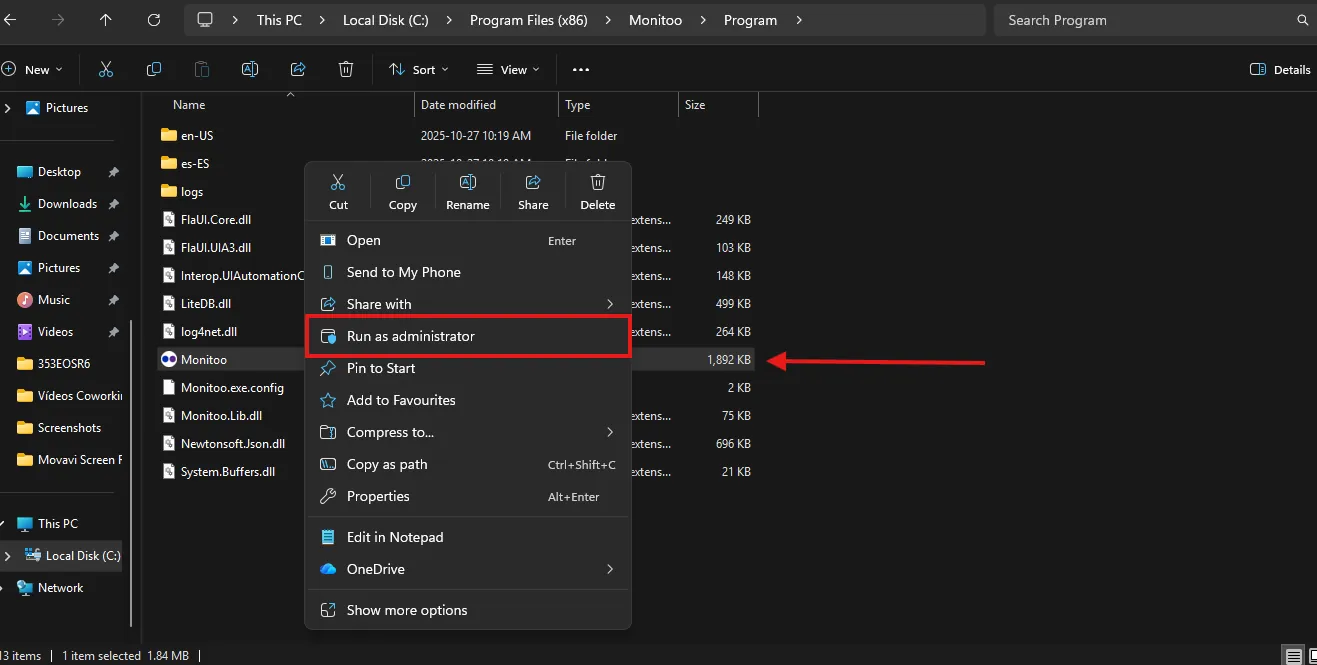
Additionally, whenever you need to access Monitoo to insert the monitoring token or disable it, the application must be run as administrator, as shown in the image below.
Was this article helpful?
Great! Thanks for your feedback.
Tell our team what was missing: contact support on WhatsApp.
