We use cookies to ensure you have the best experience on our website. If you continue to use this site, we will assume that you agree with our Privacy Policies , Use Terms and cookies.

How to uninstall Monitoo Employee Monitoring Software

How to uninstall Monitoo Employee Monitoring Software

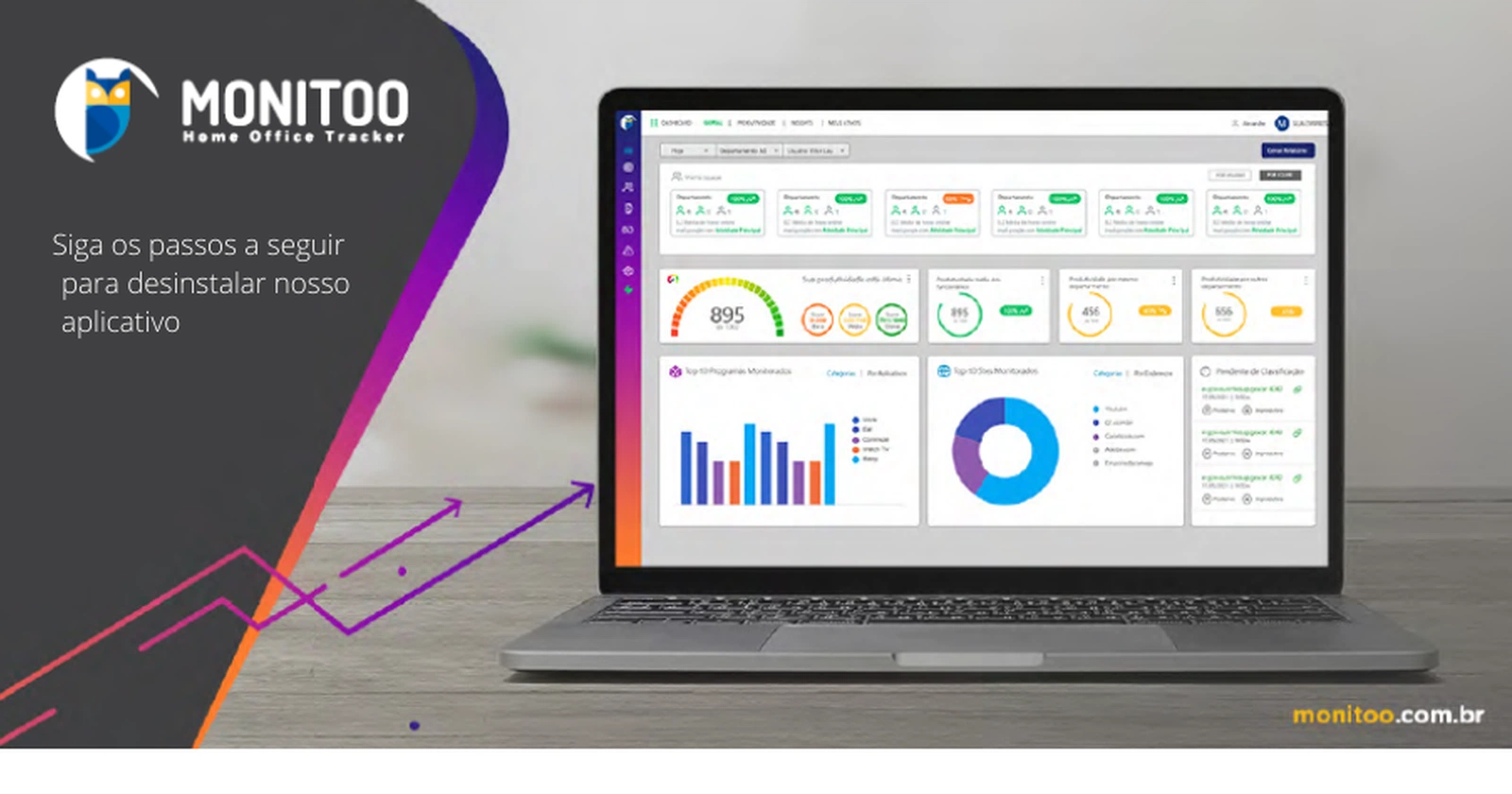
Find out in this article how to uninstall our employee productivity software Monitoo.

Access the folder below and run the software

               C:\Program Files (x86)\Monitoo\Program

Enter the token and the counter password (which is generated every hour) to stop monitoring

             Monitoo-> My Data


Run the downloaded file to install Monitoo

 Choose to remove


Do you want to learn more about Monitoo and measure the productivity of your employees? Visit www.monitoo.com.br and get in touch with us!


Keep reading

Featured articles

See all articles
Newsletter

Get the best articles in your inbox

A roundup of what matters in team management, productivity and AI. No spam.

WhatsApp Request free trial